
Step 1: Sign in to Lint
First sign in to your Lint account. If you don’t have a Lint account, you can download the Lint App here or create an account online via the Lint website.
Step 2: Create a bill plan
Once signed in, click the “Create a bill plan” to get started. You will be shown an overview of a bill plan.
Step 3: Select a payment currency and name for your plan
Select the currency and name for your bill plan. This is the currency that will be used to process your bill payments. Lint allows you to create multiple bill plans to segregate your personal, home and business expenses if you like. In this step you need to choose a name for the plan you’re creating.
Step 4: Add electricity bill to your plan
You can add multiple bills, bank transfers or subscriptions to your plan. To add a bill, click on the “Add bills” button and select from the categories available. To schedule your electricity payments, select the “mobile & utility” category and then select “Electricity”. Finally, choose your electricity provider from the list.
Step 5: Setup electricity bill info
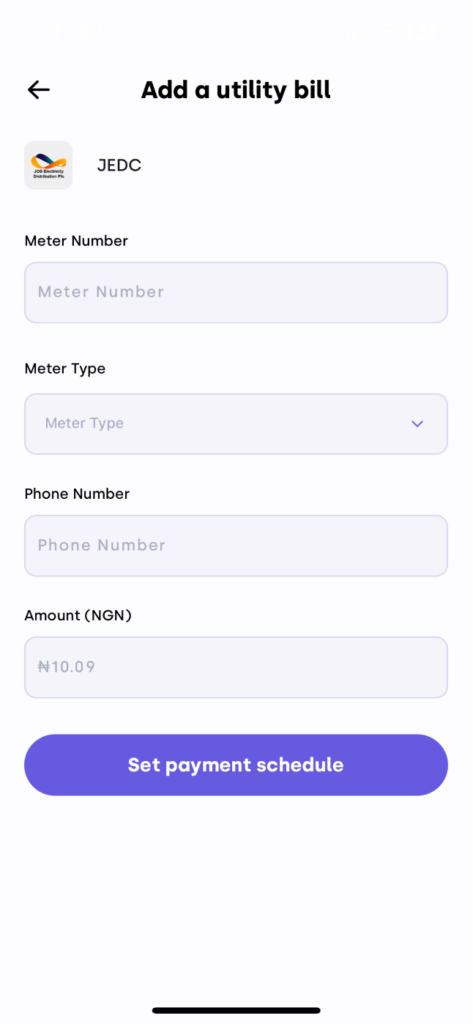
It’s time to set up the information. Enter the amount, meter number and meter type for your electricity meter. Electricity payments are not fixed so it’s important to think of an average amount that you are willing to pay at a given interval.
Step 6: Set up the payment schedule
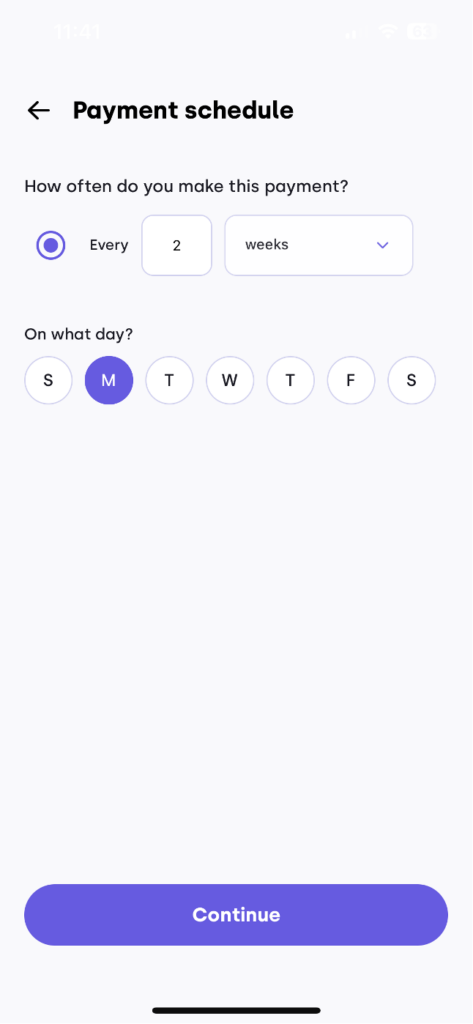
In this step, you will choose an interval for your electricity payments. You can choose weekly, monthly, every 2 months or whatever interval suits your lifestyle. This will determine how often lint automatically pays for your electricity bill.
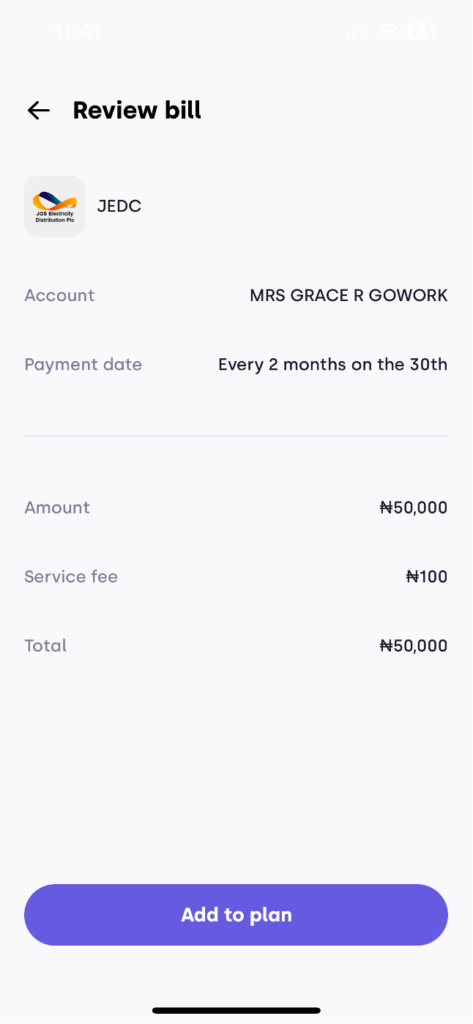
Step 8: Fund your electricity bill plan (Optional)
In order to automate your bill payments at the scheduled time, you need to fund your plan. You can do this now or at a later time.
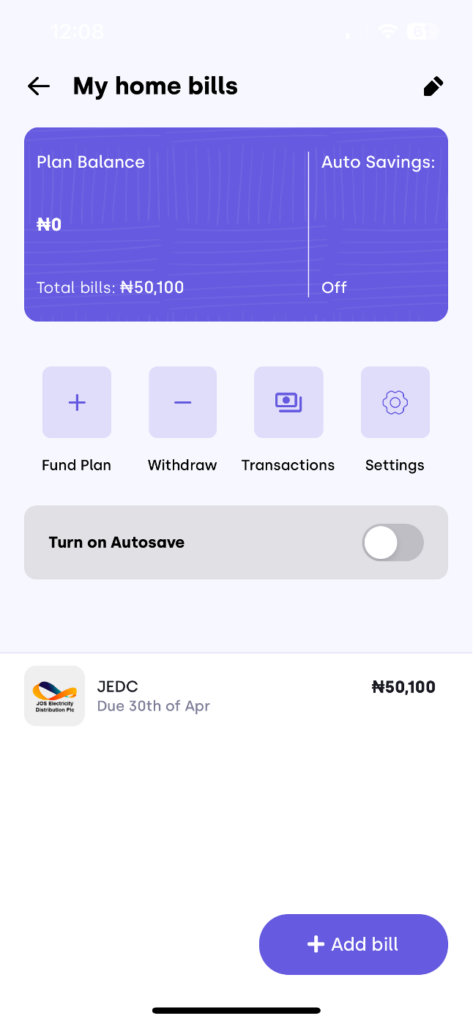
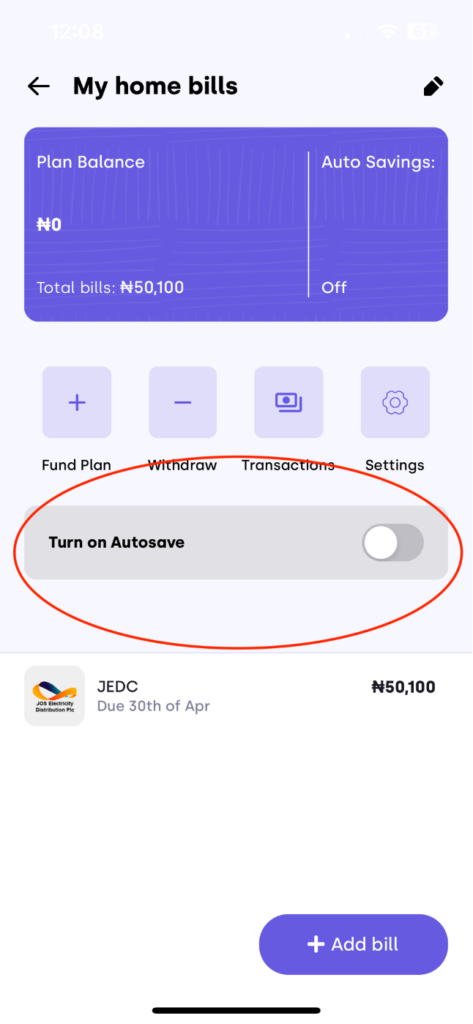
Step 9: Enable “Auto-save”
Use the auto-save feature to automatically save up for your bills. This is probably the most important step. With this feature, you link your Lint wallet to your bank account via your ATM card, select an amount you wish to save automatically and schedule the frequency of the savings (daily, weekly, or monthly). By enabling the auto-save feature, you ensure you always have the funds needed to cover the payments in your bill plan.
YOU’RE DONE!
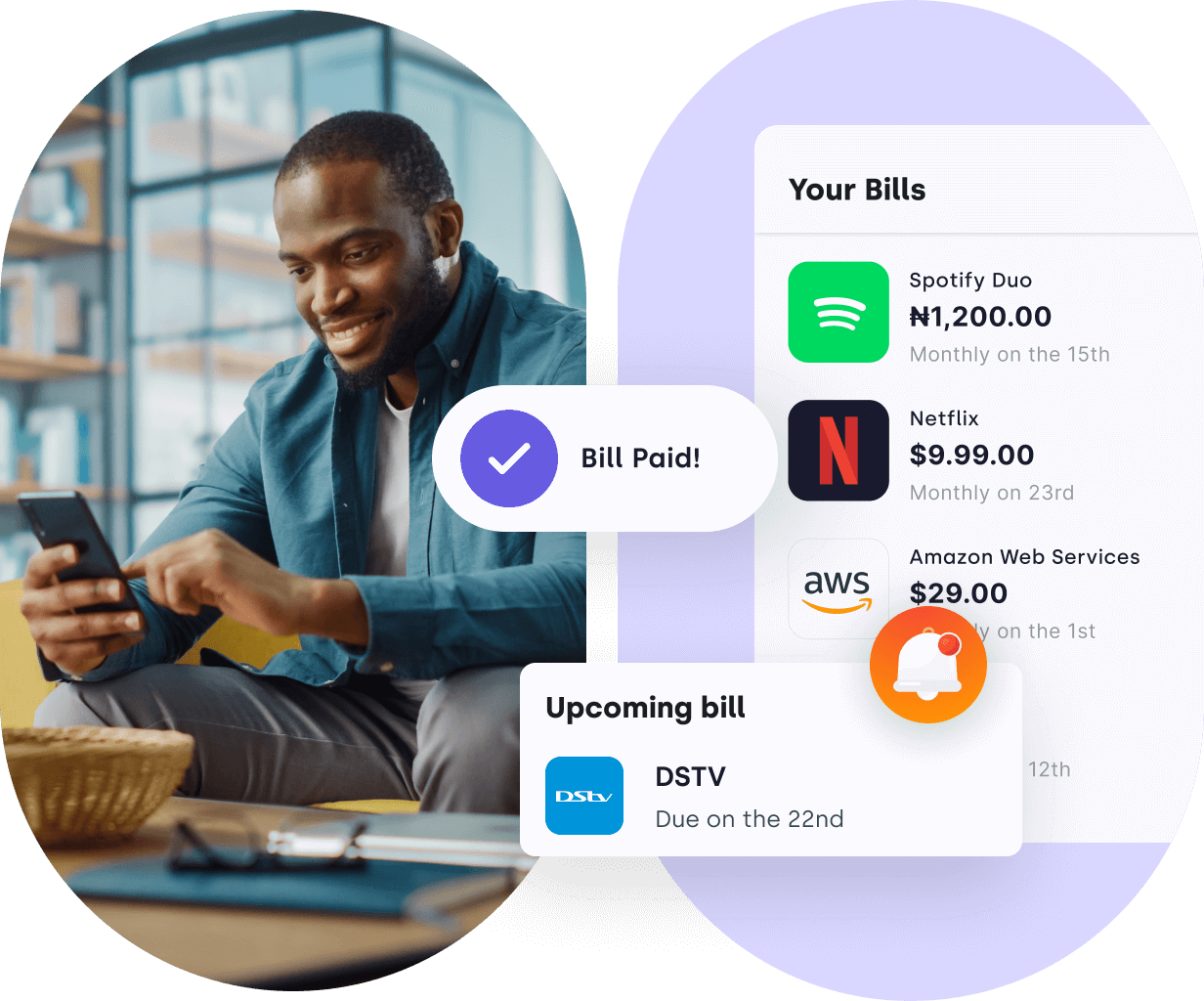
That’s it! You are finally done with budgeting and creating an electricity bill plan on Lint. You can monitor payments on Lint and track your financial history. Lint also offers you the option to reschedule, pause, or remove bill items at your convenience.
It’s time for you to sit back and let Lint do the rest.